Important notifications never disappear
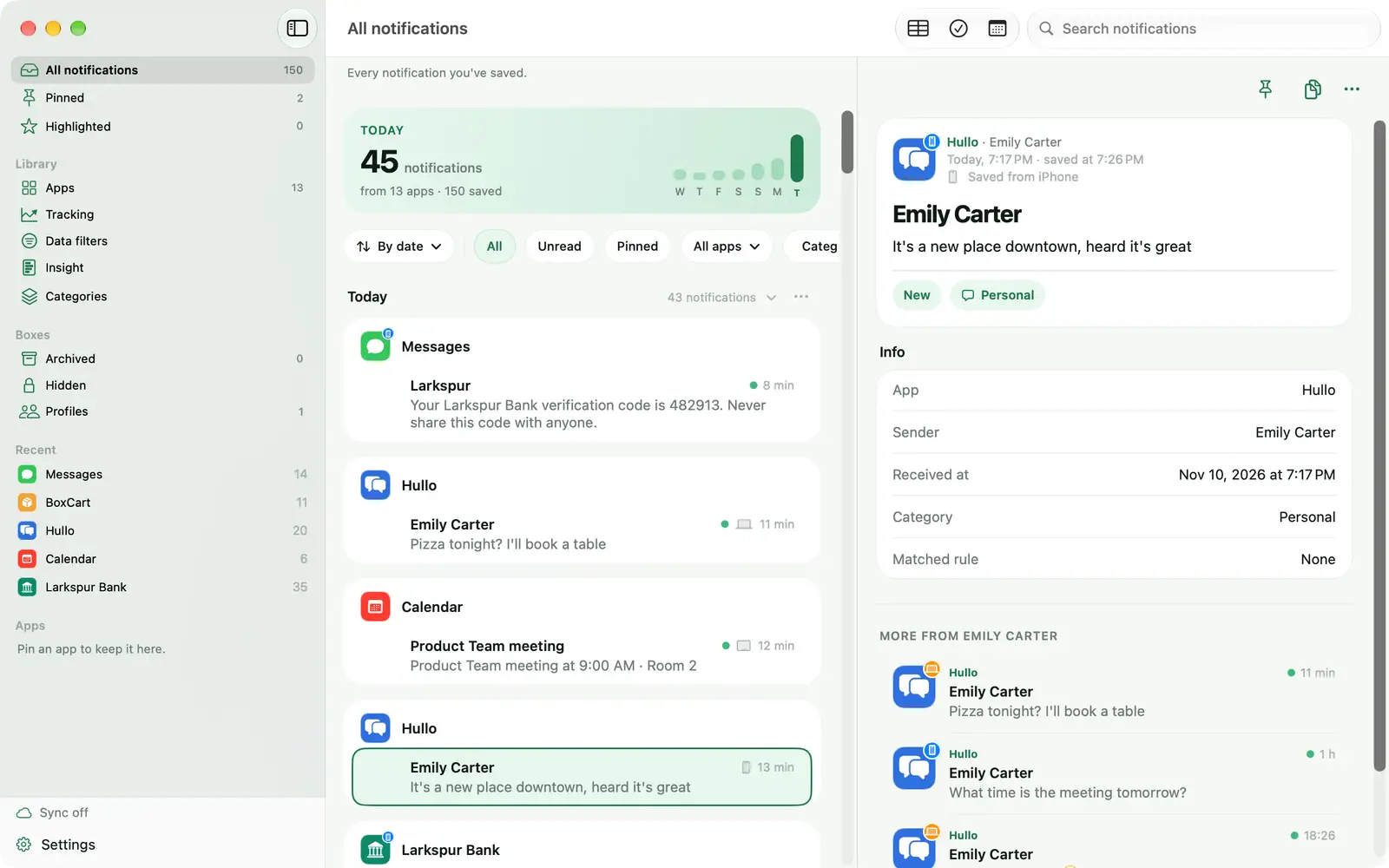
iPhone, iPad and Mac, all in one place.
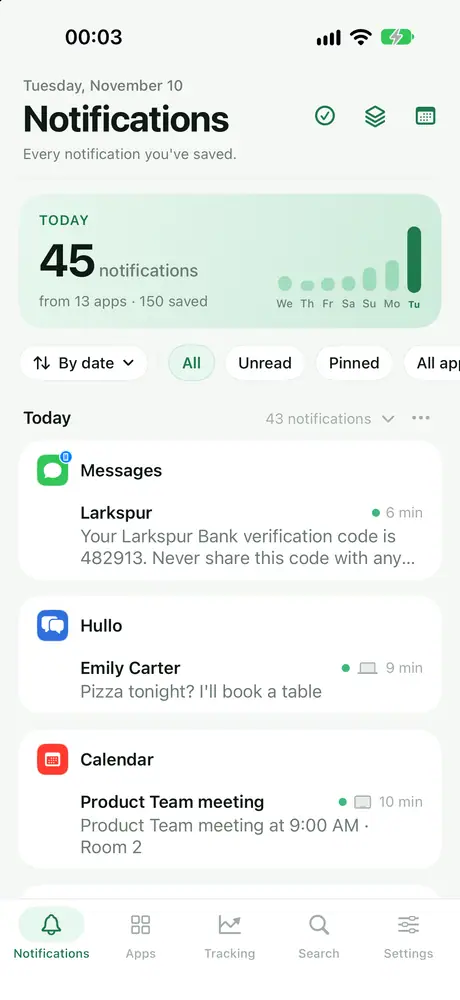
- Revisit any notification you swiped away
- Copy a code with one tap, pin or highlight what matters
- Share a notification or open the original app

Memora
Swiped away a notification? Memora saves them all, so you can find what you need, get alerted to what matters, and turn notifications into useful data.
Requires iOS 27, iPadOS 27 or macOS 27 or later
Memora quietly saves notifications from the apps you choose, then helps you find, organize, and put them to use.
iPhone, iPad and Mac, all in one place.
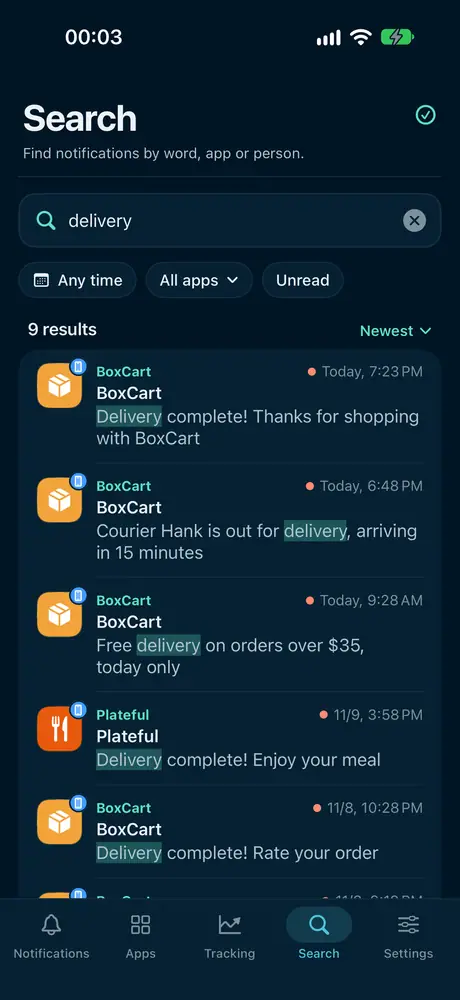
A few words is enough. Filter by app, date or unread.
Premium
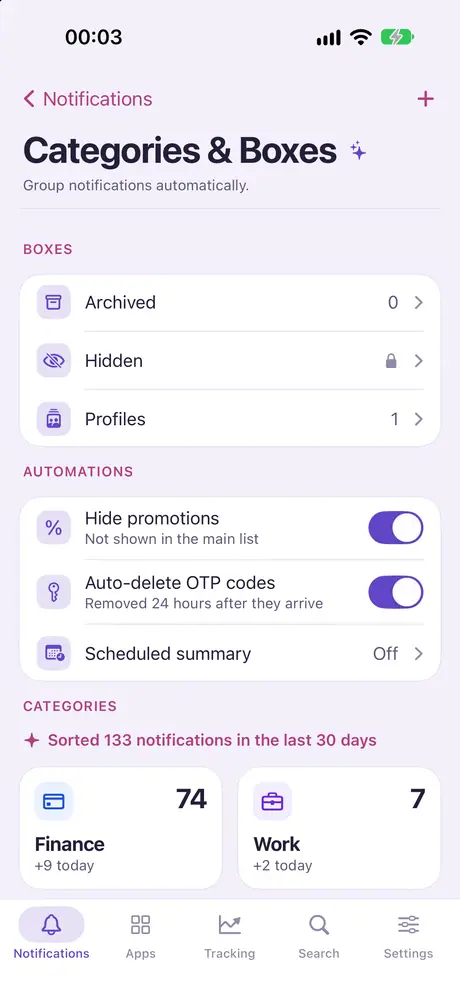
Auto categories, Archive, Hidden with a passcode.
Premium
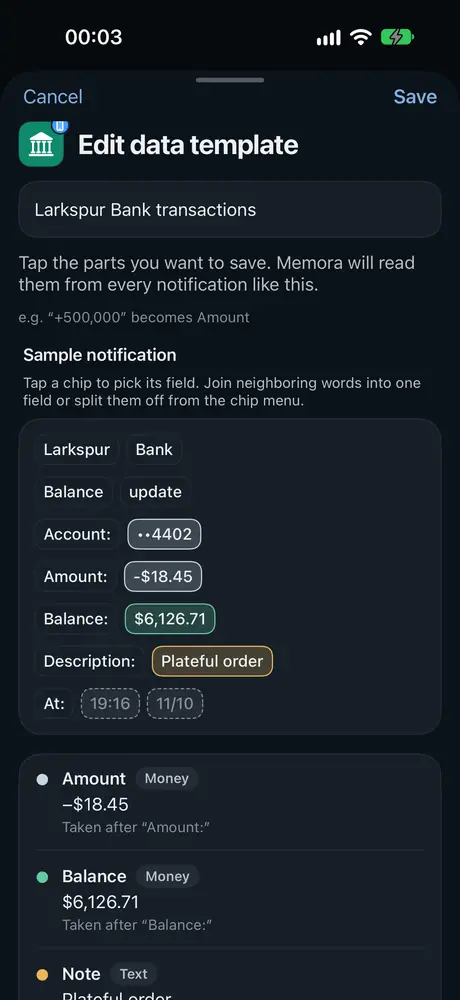
Pick the amount, status and sender once. Memora reads every similar notification.
Partly Premium
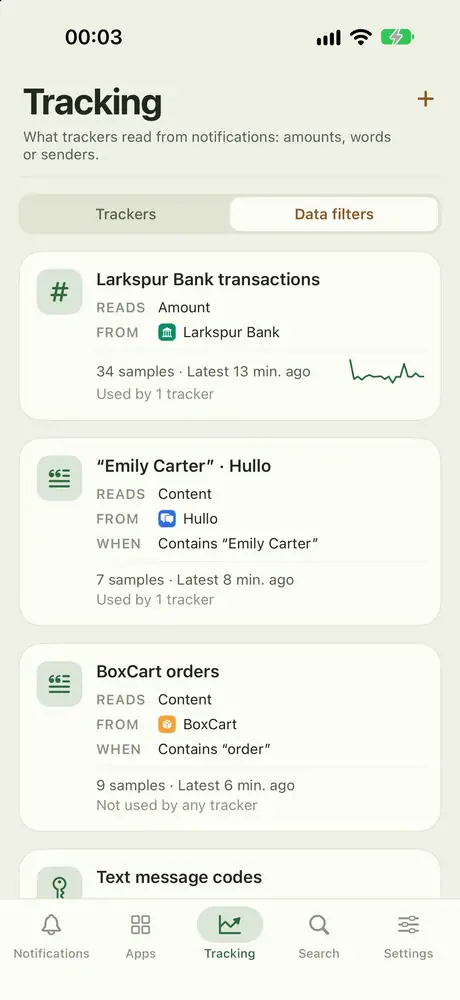
By app, keyword or verification code.
Partly Premium
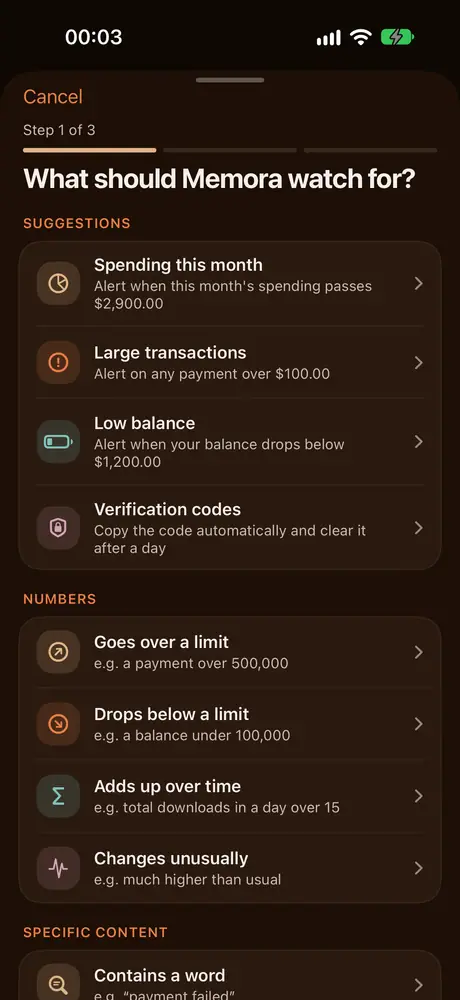
Over a limit, contains a word, mentions a person, gone quiet…
Premium
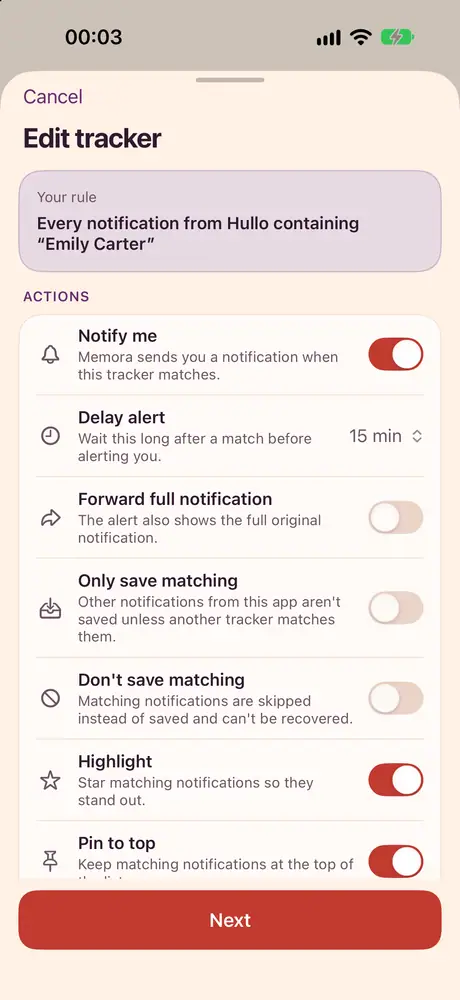
Alerts you, pins, highlights, copies codes, delays or skips saving.
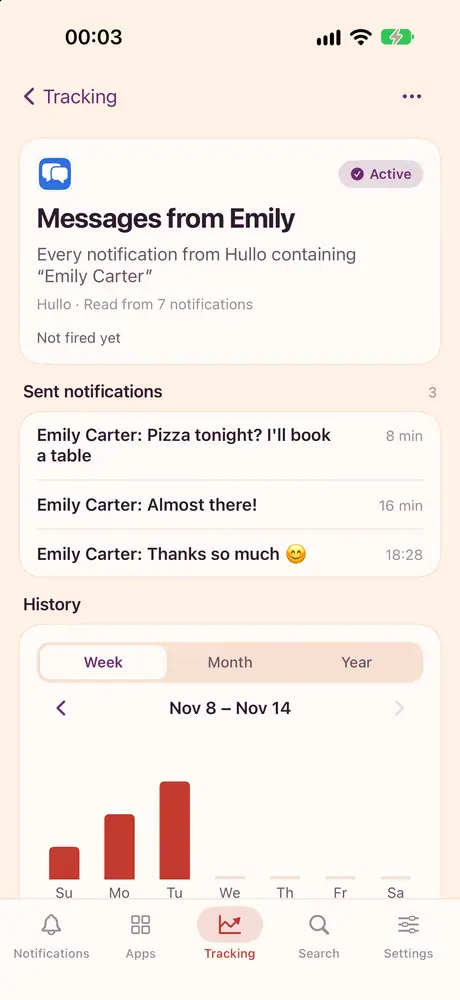
Premium
Per account, with PDF statement export.
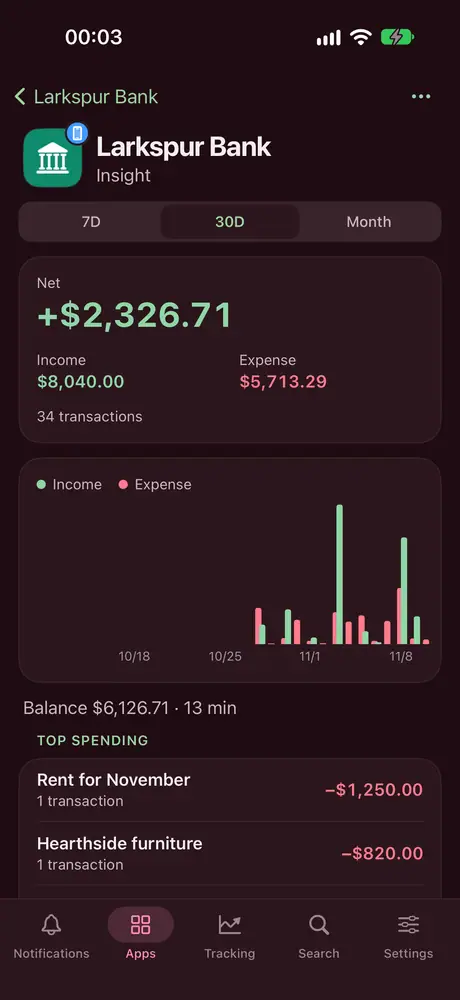
Premium
Merge one person across apps into one timeline.
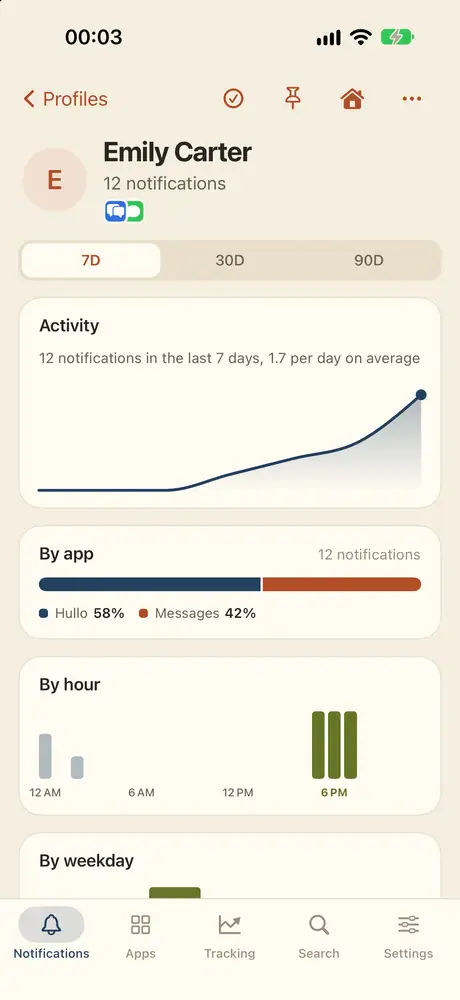
Processed on device, synced through your private iCloud.
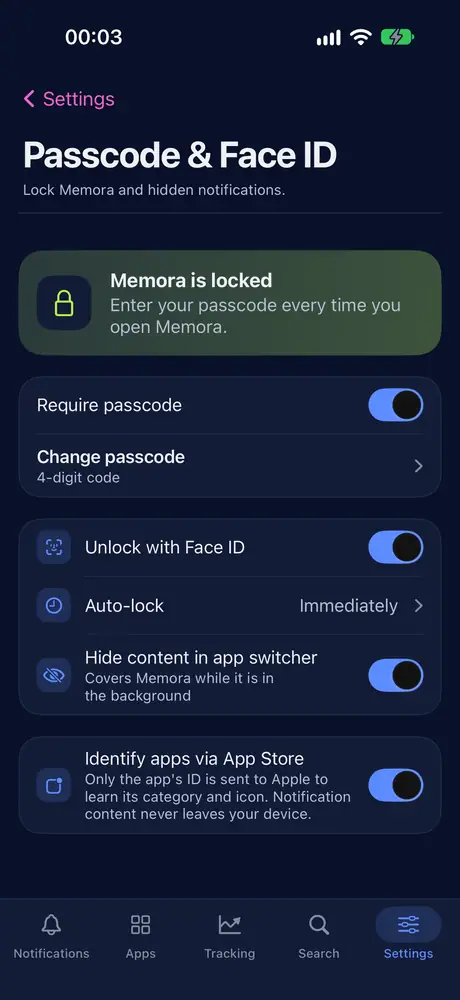
Memora runs on iPhone, iPad and Mac, synced through iCloud. Each device needs its own shortcut; iCloud brings the history from every device into one place.
iOS 27 or later
All the core features, right on the phone that receives your notifications.
iPhone has no features of its own beyond the shared set. It’s the best device for saving and rereading notifications on the go.
iPadOS 27 or later
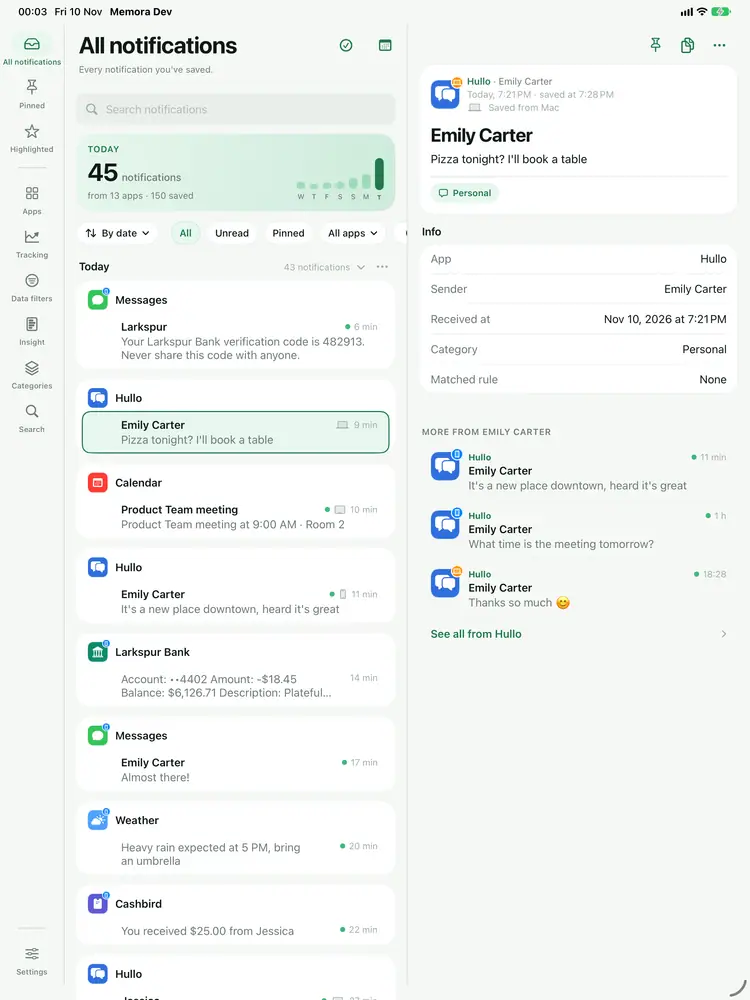
A multi-column layout that makes use of the big screen.
Only on iPad
macOS 27 or later
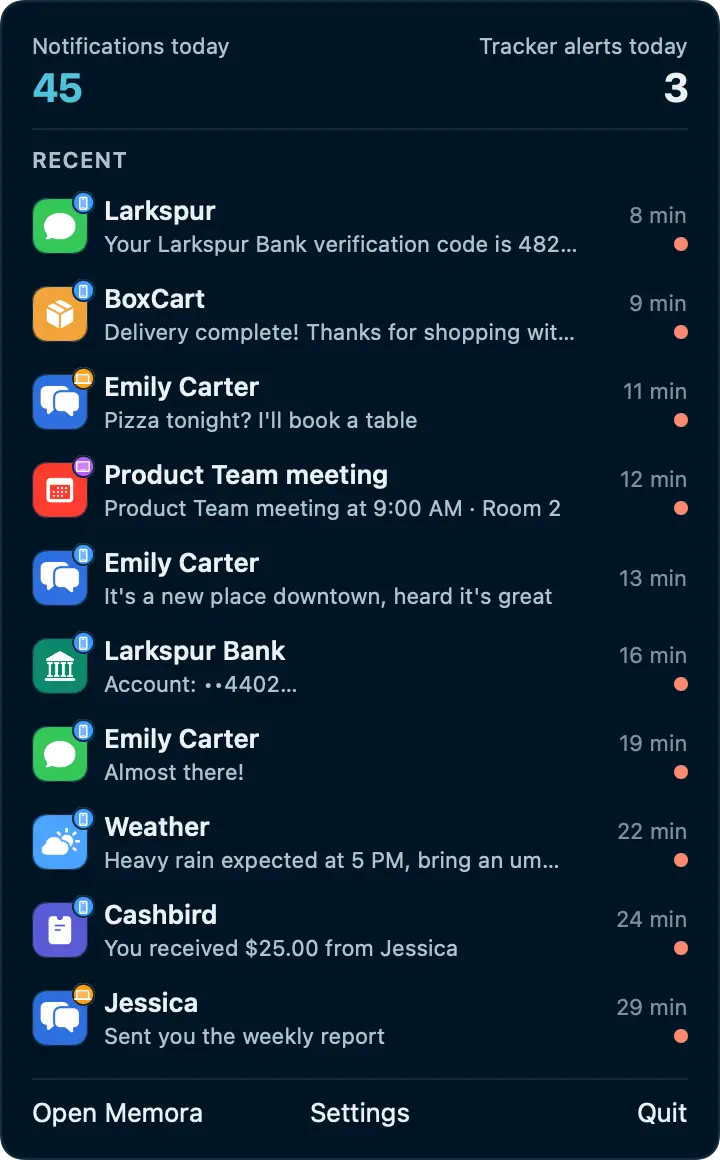
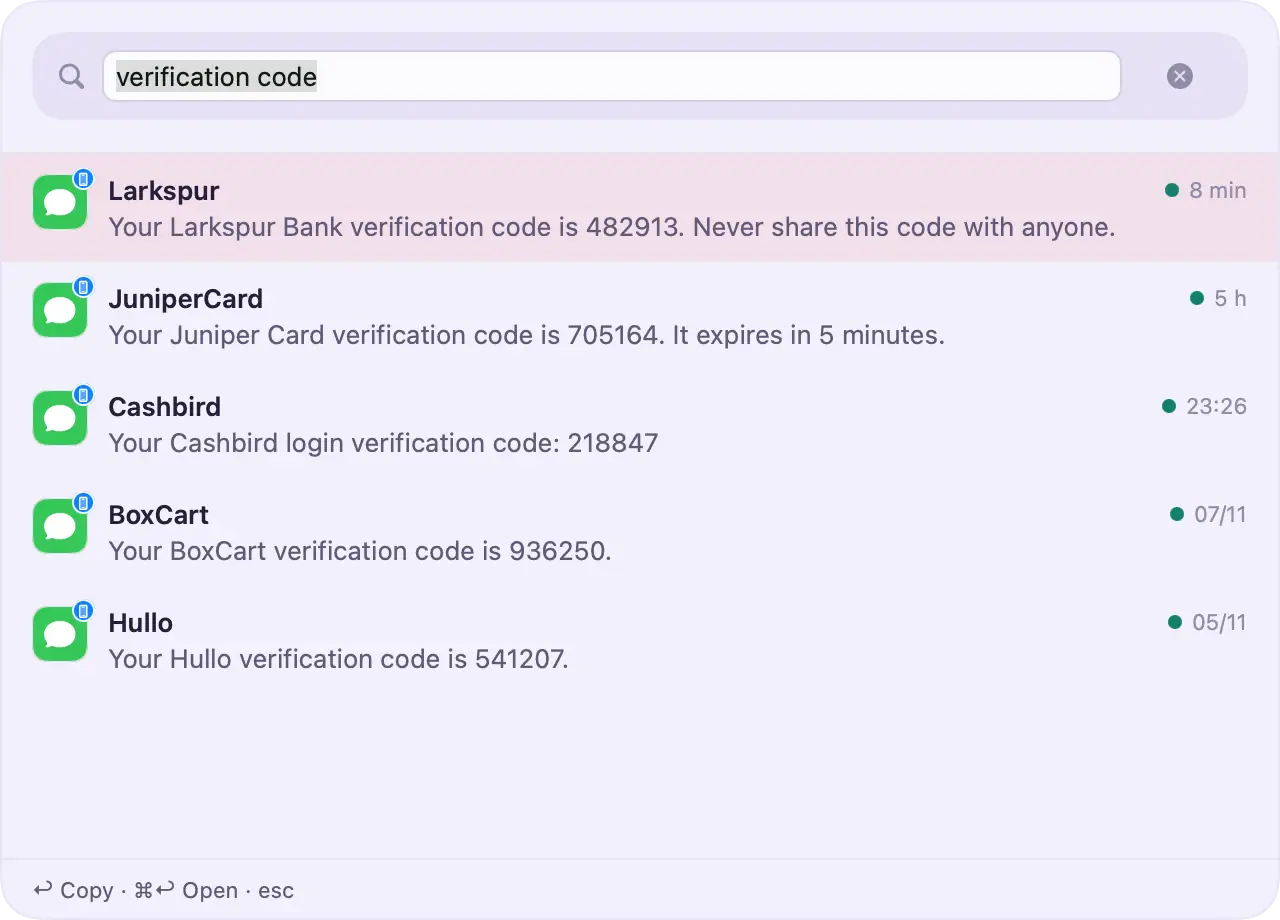
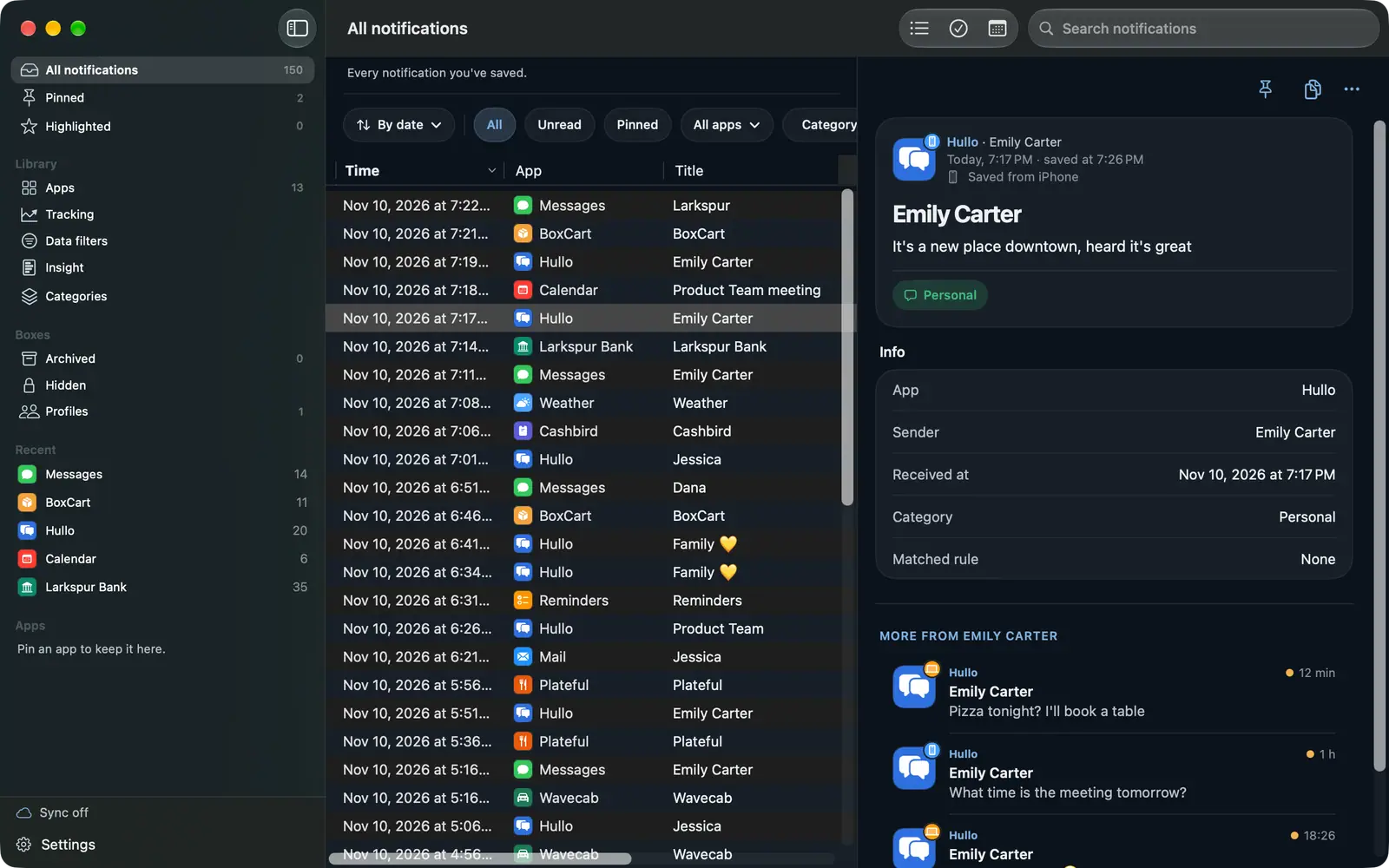
A real Mac app, not a stretched iPhone app.
Only on Mac
Open the link in Memora and add the shortcut to the Shortcuts app.
Tap + and pick each app. Keep Memora in the list so the connection test works.
This is the most important step. While the switch is off, nothing is saved.
Notifications can contain messages, verification codes and amounts of money. Memora is built so none of it goes anywhere except your own device and iCloud.
The Free plan includes: • The last 7 days of history • Up to 99 notifications per app • Up to 5 archived or hidden items • Trackers: 1, data filters: 2
Notifications older than 7 days are removed, and removed notifications can't be restored, even if you upgrade later. When an app is full, you choose in Settings whether Memora deletes the oldest or skips new ones. Premium removes the limits and unlocks Insight, Categories, Profiles and more.
Memora is coming soon to the App Store for iPhone, iPad and Mac.
Coming soon